
Introduction
When I originally built JaneHugo.com, it was a fully functional WordPress site. Later, it became time for migrating janehugo.com from my server to the client’s hosting server.
On Friday, I completed this migration during a live Zoom call with the client so they could see the process firsthand. The site was successfully moved to the client’s hosting server (HawkHost, Toronto – https://hawkhost.com).
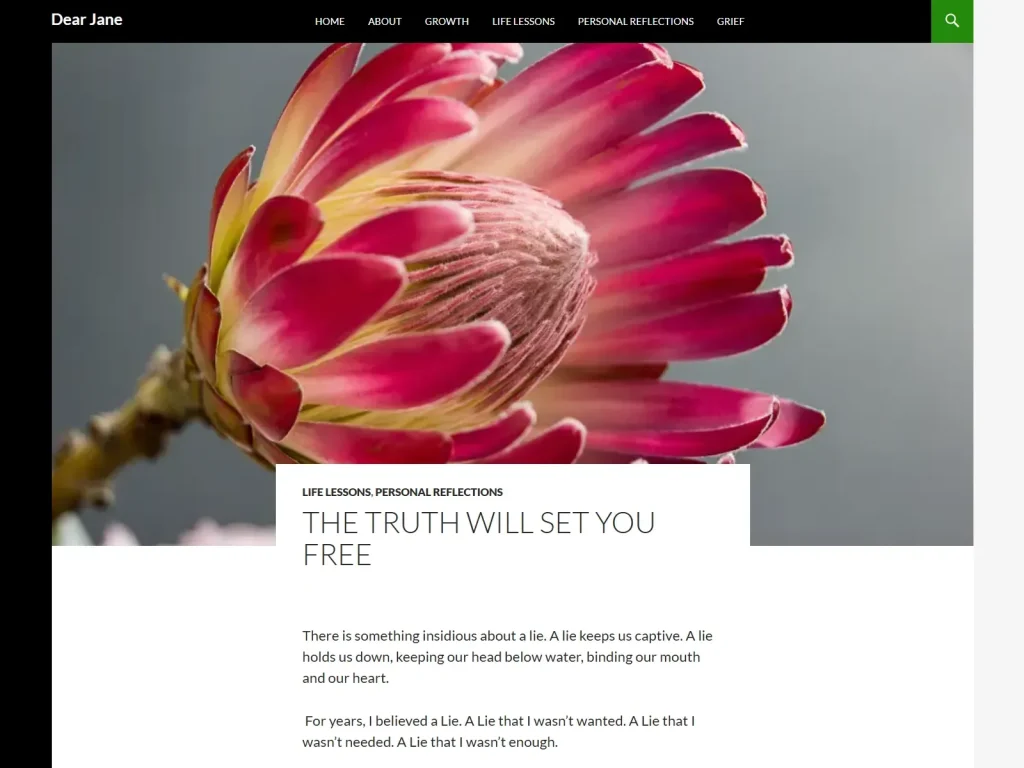
Despite triple-confirming with the client’s husband during a Zoom call, the old DearJane.ca site had been scheduled for deletion. Miraculously, before it was removed, I had the foresight to make a backup: a WP Toolkit tar.gz file, dearjane.ca__2025-07-25T22_32_48+0000.tar.gz.
On Sunday, the client sent an email asking about the original blog posts, and thus officially starting the restoration journey.
On Tuesday, the restoration project officially kicked off, focusing on resurrecting the client’s original blogs from DearJane.ca, despite the WordPress install having been deleted because the domain was no longer registered.
Resurrecting the DearJane.ca Blog
The goal was clear: restore the old DearJane.ca site on a test domain on my server, then migrate the blog posts safely to JaneHugo.com on the client’s server; ensuring no live posts were overwritten.
Steps to Restore the DearJane.ca Site:
- Updated the
wp-config.phpfile to reference the database info of the new install on my development/test server - Exported the SQL dump from the backup
- Cleansed the SQL file, removing unnecessary commands and old plugin data
- Saved the updated SQL file
- Double-compressed the SQL file using 7-Zip: first into a
.tarfile, then into a.gzfile - Uploaded the compressed backup over FTP to the
wp-backupsfolder on my server - Restored the file using the Backup-Restore feature of WP Toolkit
With the site restored on the test domain, I could safely proceed with blog migration without risking live data.
SQL Cleansing & Blog Migration
To migrate the blog posts safely to the new WordPress installation, I focused on essential database tables:
wp_bfef_posts→ main blog postswp_bfef_postmeta→ metadata for postswp_bfef_terms→ categories, tags, and custom taxonomy nameswp_bfef_term_taxonomy→ defines taxonomy type (category, tag)wp_bfef_term_relationships→ links posts to terms
Cleansing the SQL File
- Removed all
CREATE TABLEstatements for unwanted tables (like comments) - Deleted
ALTER TABLEcommands for those tables - Skipped inserting unwanted data such as old plugin tables or spam comments
- Ensured only published posts were included
Approved Comments
- Exported approved comments from the old site
- Cleansed the file of unnecessary commands or tables
- Imported the approved comments into the new database
- Verified that each post displayed its original approved comments correctly
Image Restoration Considerations
- Prioritized quality and SEO over bulk uploading
- Some images needed manual level adjustments before re-exporting
- Added proper SEO alt tags manually for all images
- For future restorations, a faster workflow could include bulk uploading, using a search-and-replace plugin to update URLs, then verifying/modifying alt tags
SQL Import & Verification
- Imported the cleaned SQL file into the temporary test database via phpMyAdmin
- Skipped unnecessary long inserts, such as plugin data
- Verified that only post content, titles, taxonomies, and approved comments were imported successfully
- Updated home and site URLs in the database to match the new domain
Enhancements & Design Improvements
While restoring the blog, I also enhanced the site’s design, usability, and overall experience:
- Removed the redundant “About” section from the homepage
- Refined hero sections across About, Books, Blog, Testimonials, and Contact pages
- Adjusted spacing between elements
- Updated background colours on individual testimonials
- Updated the About page hero image and added a new
jane-happy-1024x568.webpimage to the “Meet Jane” section - Moved the navigation menu button to the center on desktop (mobile remains on the right)
Performance & Backups
- Ran Pingdom speed tests to ensure optimal page load performance (HawkHost, Toronto – https://hawkhost.com):
- Washington: 1.71 s / 1.8 MB
- San Francisco: 2.45 s / 1.8 MB
- London: 2.38 s / 1.8 MB
I’m proud of how fast the site loads. The use of WebP files made a huge difference; smaller file sizes and faster downloads compared to JPEGs highlight the value of WebP for site performance.
- Created backups using both WP Toolkit and UpdraftPlus
- Recommended the client store the backups locally and online to guarantee redundancy
Administrative Updates & Recommendations
- Created a new admin user:
admin_chadfor monitoring analytics, performing manual backups, and managing plugin updates - Advised updating the primary admin email in the WordPress dashboard for proper notifications and security
- Recommended a structured backup plan:
- Daily automatic database backups with UpdraftPlus
- Weekly automatic full backups of all site files
- Monthly manual WP Toolkit backups stored remotely and then downloaded locally
Summary & Key Takeaways
- 29 blog posts were successfully restored from the original DearJane.ca site
- Approved comments were preserved and migrated correctly
- The site’s navigation, layout, usability, and performance were significantly enhanced
- Robust backups were created to secure all data
- JaneHugo.com is now fully restored, optimized, and ready for long-term maintenance
This project highlights the importance of migrating a live website, resurrecting a WordPress archive through careful SQL management, thorough backup strategies and handing off of the WordPress admin duties.