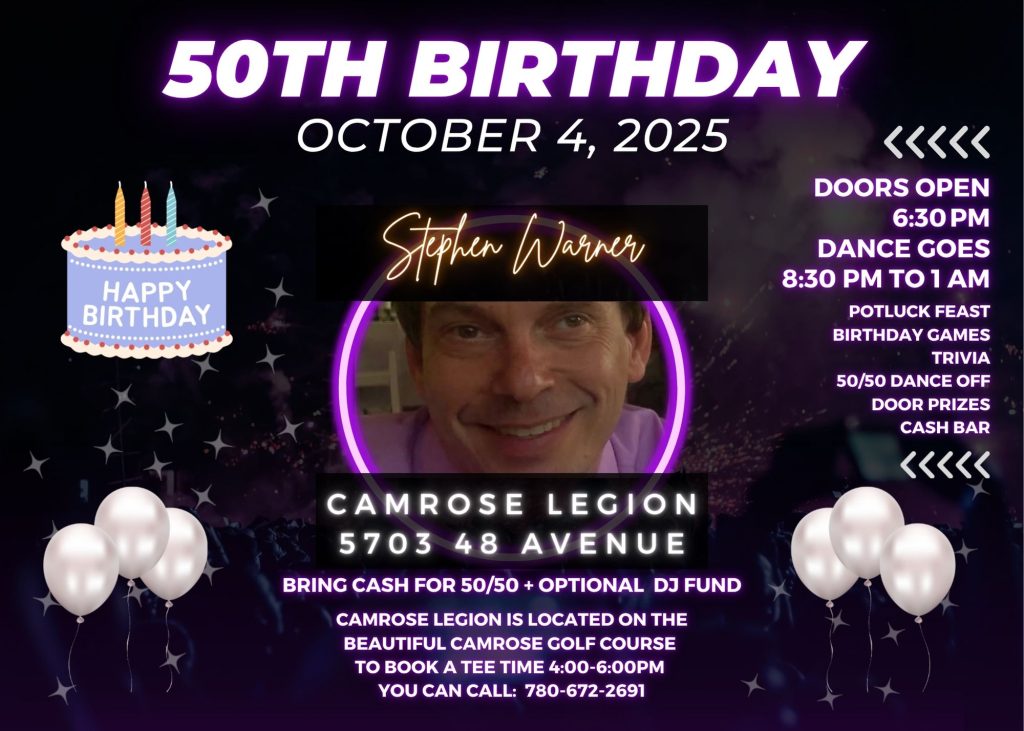
Recently, I had the honour of creating a heartfelt video presentation for a client’s 50th birthday. From the feedback I received following the birthday, the presentation was a blend of nostalgia, laughter, and some tears. What made it memorable wasn’t just the smiles it brought, but the process behind it; the tech, the tools, and the drive to get it just right. Here is my birthday presentation workflow.
You can view the video at:
50thBirthdayVideo.mp4
The Creative Stack
For this project, I combined open-source and professional tools, each chosen for its strengths:
- GIMP – for detailed image editing and retouching
- PhotoFilmStrip – to animate still photos into smooth, cinematic motion
- Canva – to design intro and outro title images with clean, modern visuals
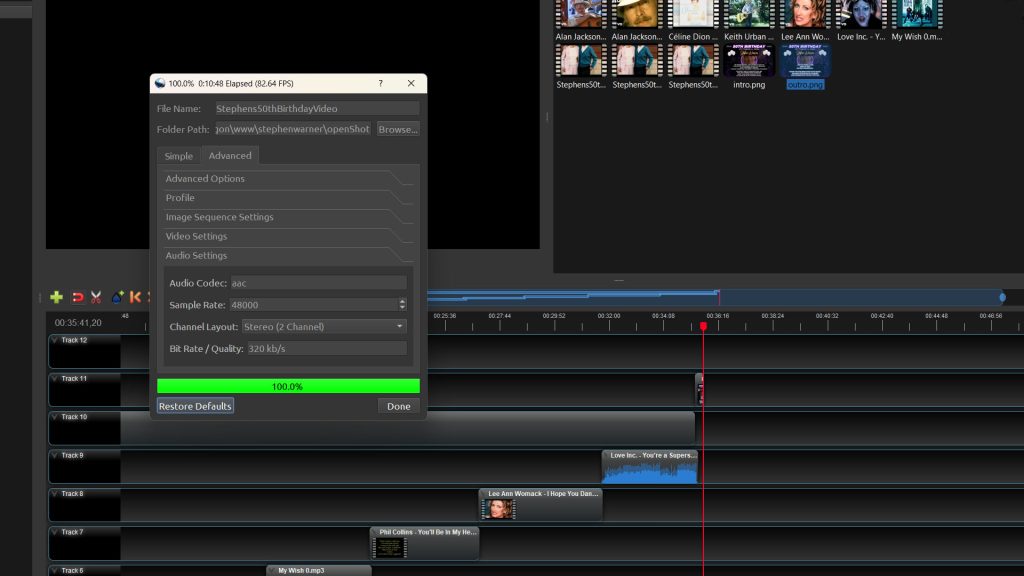
- OpenShot – for final video assembly, timing, and soundtrack alignment
This stack gave me flexibility, visual control, and consistent quality from start to finish.
Encoding, Rendering & Results
The first render resulted from a typo, my initial output clocked in at a massive 10 GB due to a 38.51 Mb/s setting. After re-encoding at 3.851 Mb/s, the final file came in at 1.11 GB (1,112,330,490 bytes).
My computer setup (Ryzen 5 5600X 6-core, 32 GB Mushkin DDR4, Samsung 970 EVO Plus 2TB NVMe M.2, MSI B550-A PRO motherboard) handled the re-encode like a champ, rendering 82.64 frames/second and finishing the full render in just 10 minutes 48 seconds. Smooth, efficient, and ready to roll.
The Moment That Mattered
The end result was everything the client hoped for: beautiful transitions, perfect cross-fades, and music that carried every emotion home.
The presentation hit its mark: the guests were touched. That’s the additional reward of creative work, when the technical and the emotional blend seamlessly.